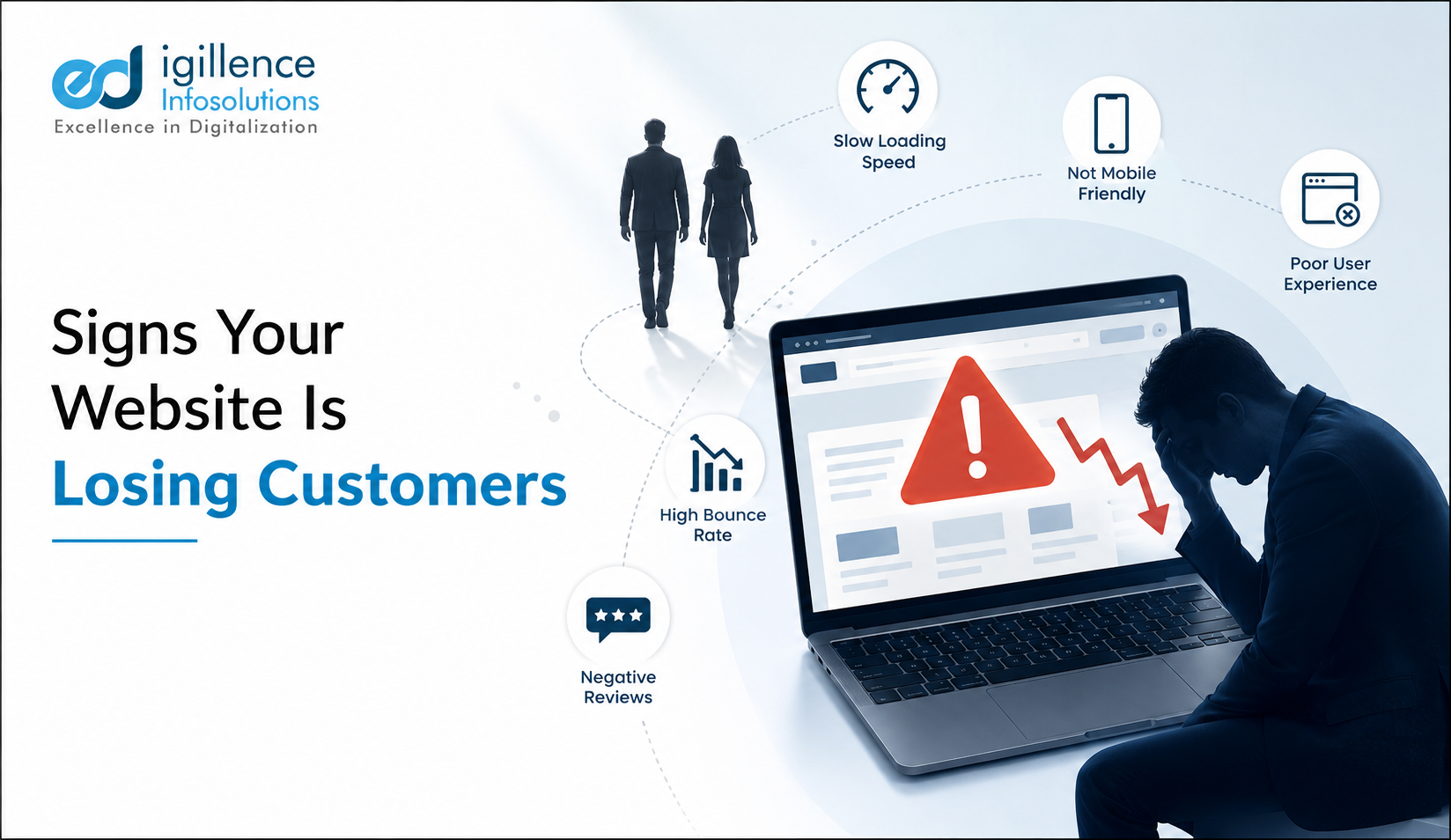
Your website gets visitors, but the phone doesn't ring and the contact form stays empty. If that sounds familiar, the problem usually isn't traffic — it's what happens after someone lands on your site. These are the most common signs your website is losing customers, based on the patterns we see when we audit small business sites for the first time.
Most business owners who come to us don't start with "I need SEO." They start with "I don't understand why my website isn't converting" — and that's the right question to ask first.
1. Visitors Leave Within Seconds (High Bounce, Low Time on Page)
If your analytics show people landing and leaving almost immediately, your homepage isn't answering the one question every visitor has in the first five seconds: what do you do, and is it for me?
Common causes we see during onboarding audits:
- A hero section that talks about the company ("We are a leading provider of...") instead of the visitor's problem
- No clear headline stating what you actually offer
- Slow-loading pages, especially on mobile
This is one of the clearest signs your website is losing customers before they even scroll.
2. Your Site Isn't Mobile-Friendly
In India, a large majority of local searches happen on mobile. If text is too small, buttons overlap, or menus break on a phone screen, visitors won't struggle through it — they'll go to a competitor's site instead. This is a common mistake we still see often, even on sites that appear fine on desktop.
Quick self-check: Open your own site on your phone. If you have to pinch-zoom to read anything, that's a problem worth fixing before anything else.
3. Calls-to-Action Are Missing, Buried, or Vague
We regularly audit websites with genuinely good content — but no clear next step for the reader. "Learn More" buttons that lead nowhere useful, contact forms buried three clicks deep, or no phone number visible above the fold are all website conversion problems that quietly cost leads every day.
A visitor who's interested but doesn't immediately see how to contact you will usually just leave. This is one of the simplest fixes with some of the biggest impact.
4. Trust Signals Are Missing
Before someone submits a form or picks up the phone, they're unconsciously asking: is this business real, and can I trust them? If your site is missing basics like:
- A real address, phone number, and business email (not a personal Gmail address)
- Client testimonials or reviews
- Photos of your actual team, office, or work — not generic stock imagery
- Clear information about who you are and how long you've been operating
...then you're likely losing customers who were otherwise ready to buy. This is especially true for service businesses, where trust matters more than price.
5. The Website Looks Outdated or Inconsistent
Design trends change, and so do visitor expectations. An outdated layout, inconsistent fonts, broken images, or a design that clearly hasn't been touched in five-plus years signals — fairly or not — that the business itself might not be active or current. This is a common thread in poor website design losing leads, particularly for businesses competing in crowded local markets.
6. Page Speed and Technical Issues
If your website takes several seconds to load, especially on mobile networks, a meaningful share of visitors won't wait. Page experience — how fast a page loads and how stable it feels while loading — is one of the signals Google's own Search Central documentation lists as part of how pages are evaluated, alongside mobile-friendliness and secure (HTTPS) browsing. It typically acts more as a tie-breaker between similarly relevant pages than a dominant ranking factor on its own, but a slow, clunky site still costs you visitors regardless of where it ranks.
Why Is My Website Not Converting? A Quick Way to Check
If you're asking why is my website not converting, start with these three checks before assuming you need a full redesign:
- Analytics review — Where do visitors drop off? Which pages have the highest exit rates?
- Mobile test — Load your own site on a phone and try to complete the action you want a customer to take.
- Contact-path test — Time how many clicks it takes a stranger to find your phone number or submit an enquiry.
If any of these reveal a clear breakdown, that's usually your starting point — not a full rebuild.
Do You Need an Agency, or Can You DIY This?
Some of this you can genuinely fix yourself — updating outdated content, adding a visible phone number, fixing broken images, or making a CTA button more prominent. These don't need a developer.
Where it usually makes sense to bring in a specialist is when the issue is technical (site speed, mobile responsiveness across devices, structural SEO) or when conversion problems persist even after the obvious fixes are made. In that case, a proper audit can pinpoint what's actually costing you leads, rather than guessing.
Every website's mix of issues is different, and how much a fix moves the needle depends on your industry, competition, and where you're starting from — there's no universal number we can promise. At eDigillence, our typical process for a new client starts with a structured audit covering these exact areas — analytics behaviour, mobile experience, trust signals, and technical health — before we recommend anything. Sites that address these fundamentals typically see improvement in engagement and enquiries over the following 3–6 months, though results vary by industry and starting point.
If you'd rather have a second pair of eyes to look at where your site is losing people, our team at eDigillence Infosolutions can walk you through it with you.
Ready to find out what's actually happening on your site?
Book a free consultation with eDigillence Infosolutions and we'll help you pinpoint what's costing you leads — no pressure, just a clear picture of where to start.
FAQ
Q1: How do I know if my website is losing me customers?
Check your analytics for high bounce rates and short time-on-page, test your site on mobile, and time how long it takes to find your contact details. If any of these feel broken, visitors are likely leaving before converting.
Q2: Why is my website getting traffic but no leads?
This usually points to a conversion problem rather than a traffic problem — unclear calls-to-action, missing trust signals, or a confusing user experience are the most common causes.
Q3: Do I need a website redesign, or can small fixes help?
Often small fixes — a clearer CTA, updated contact info, mobile fixes — improve results without a full redesign. A redesign is worth considering only if technical or structural issues run deep.
Q4: How long does it take to see improvement after fixing website issues?
Most businesses see improvement in engagement and enquiries within 3–6 months, though this varies by industry, competition, and your starting point.
Q5: What's the difference between a website that gets traffic and one that converts?
A site that gets traffic is doing well on visibility (SEO, ads, word of mouth). A site that converts also removes friction — clear messaging, mobile usability, visible CTAs, and trust signals — so visitors take the next step.